A design system begins with foundational elements (colour, typography, spacing) and grows into components and interaction patterns. Its purpose is to be a single source of truth for designers and engineers, ensuring consistency, speeding up development, and enabling high-quality iteration.
At eJobs, the system was born out of a digital strategy shift: a full backend and frontend rewrite paired with a redesigned user experience. The goal was a fluid system — one that adapts across platforms, screen sizes, and accessibility needs, minimising the differences between Android, iOS, and responsive web without compromising on quality.
The challenge
Where consistency meets complexity
Design systems must adapt to constraints, from technology to user needs. Supporting Android, iOS, and a responsive web app simultaneously meant defining clear breakpoints, simplifying platform quirks, and optimising performance for smooth experiences across devices.
With 500k monthly active users spanning all ages and digital literacy levels, accessibility and usability were priorities from day one. The system needed to stay true to the brand while integrating custom illustrations and subtle UI touches that reinforced eJobs' visual identity.
How
Simplifying design with the atomic principle
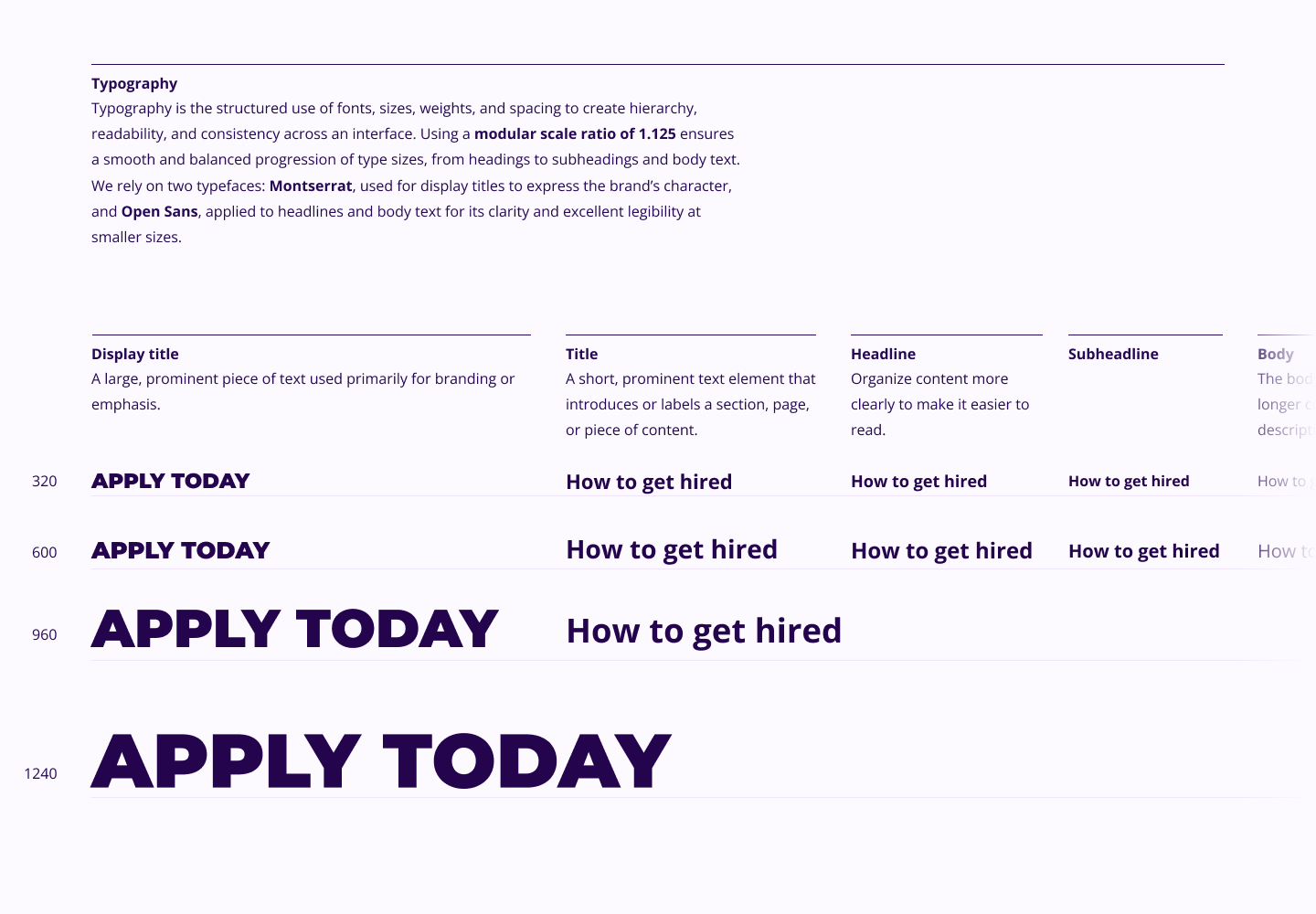
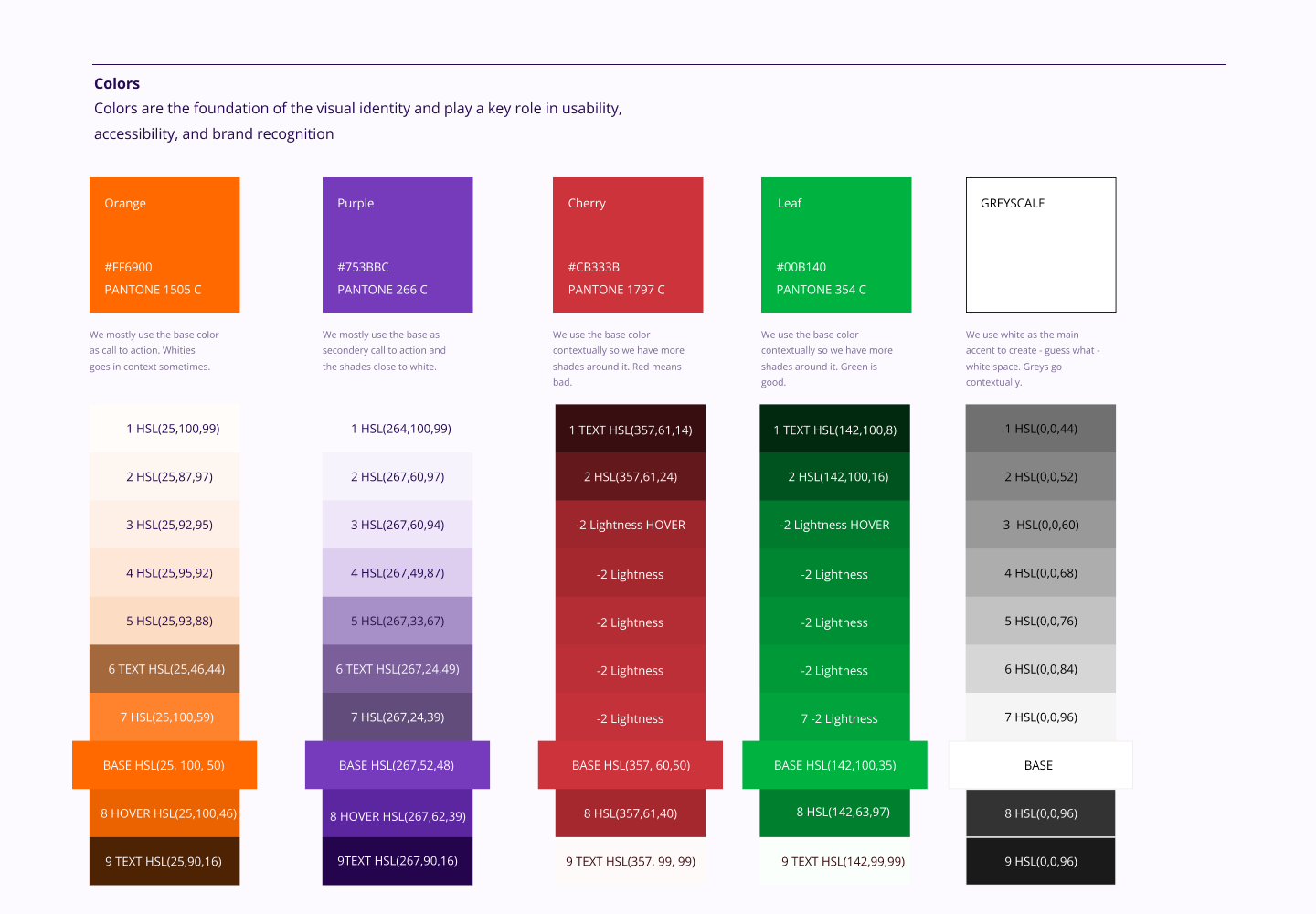
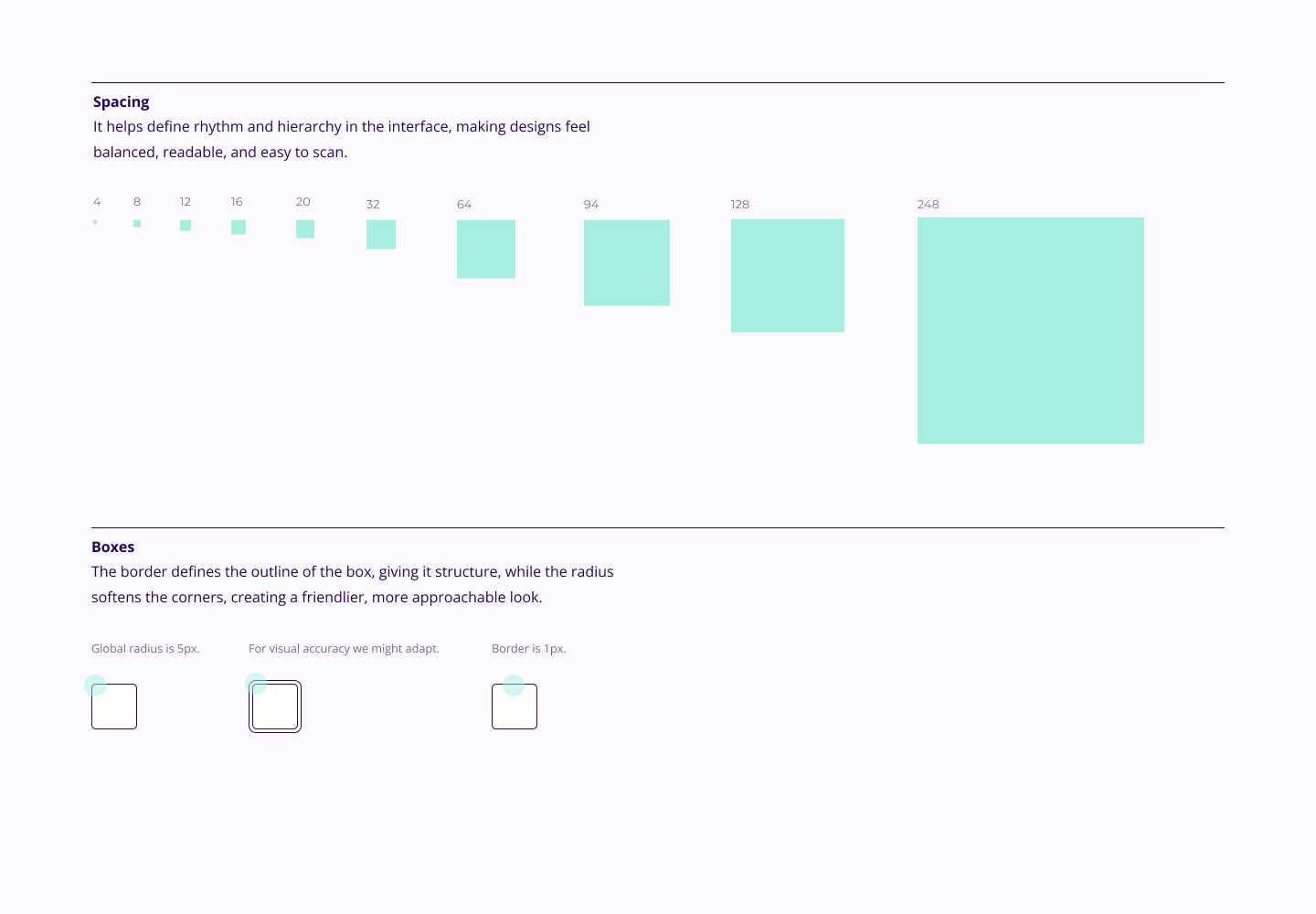
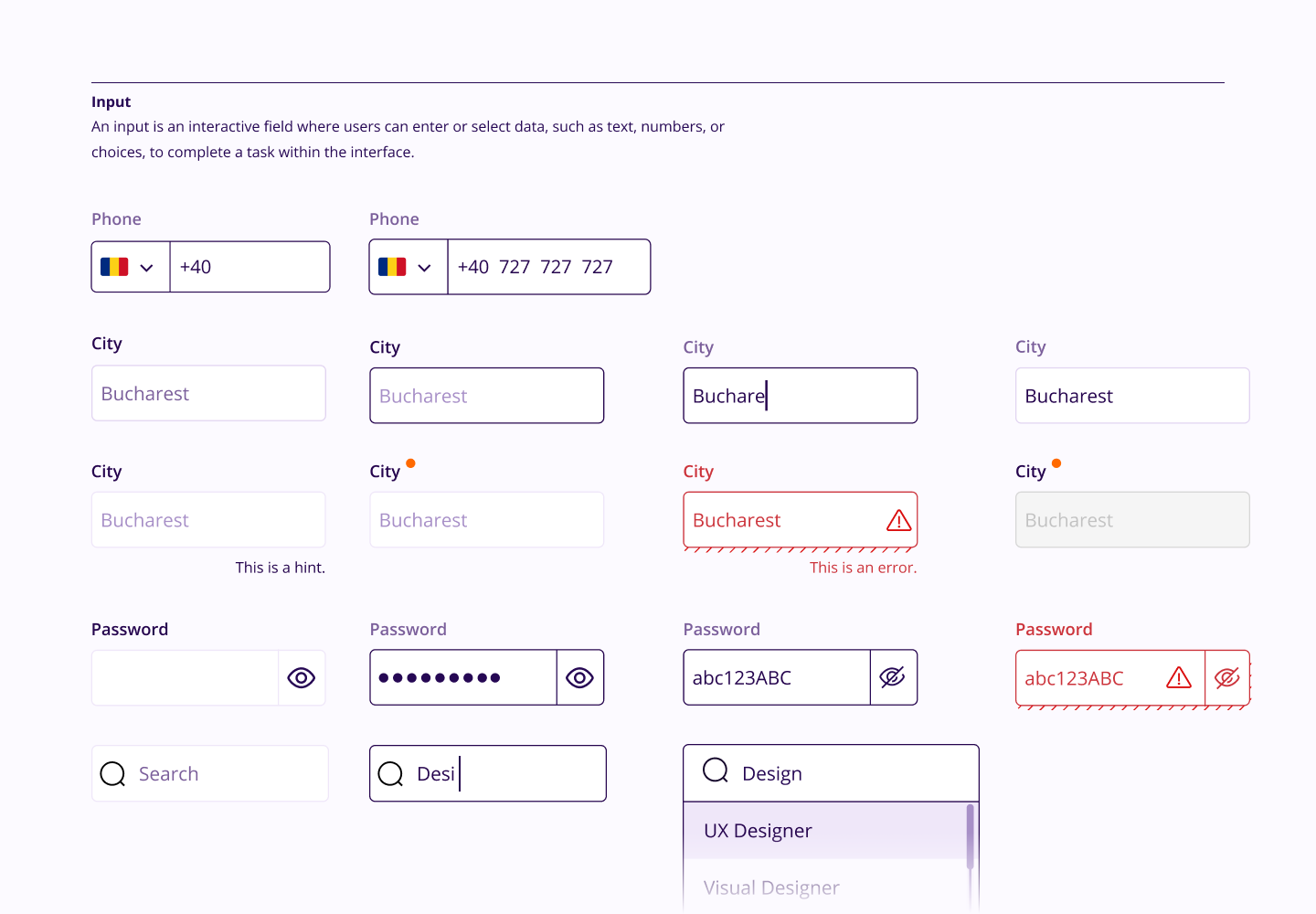
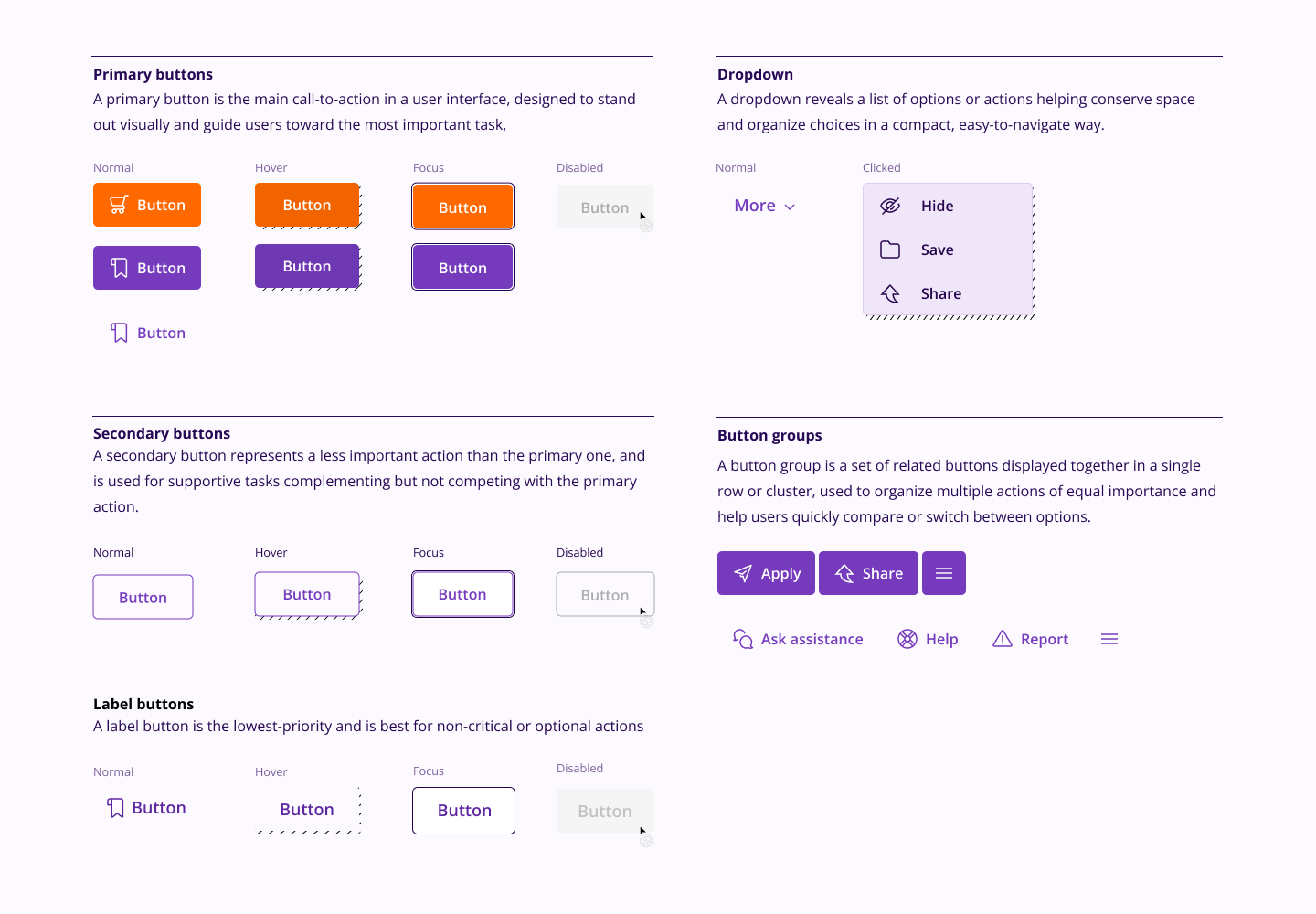
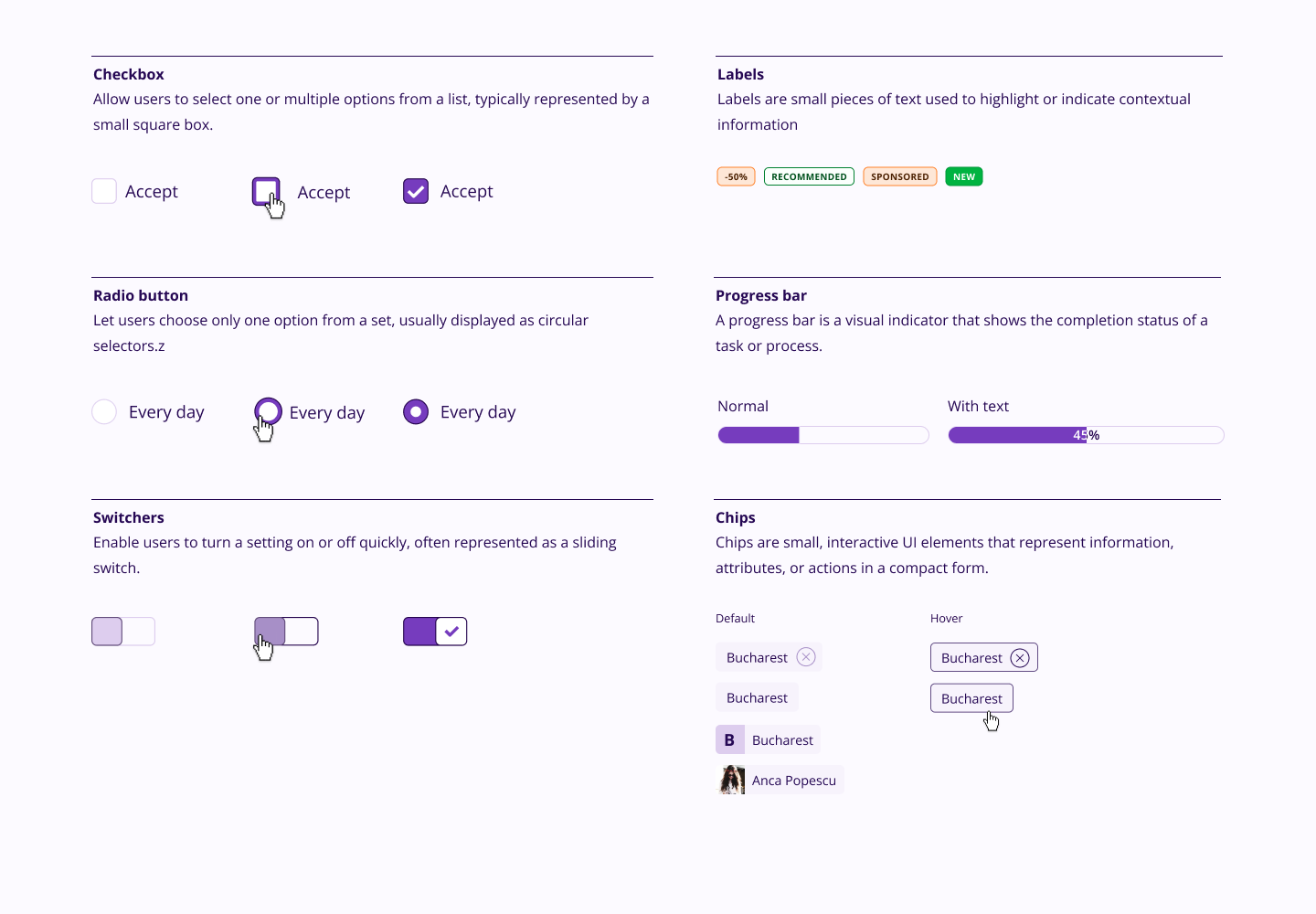
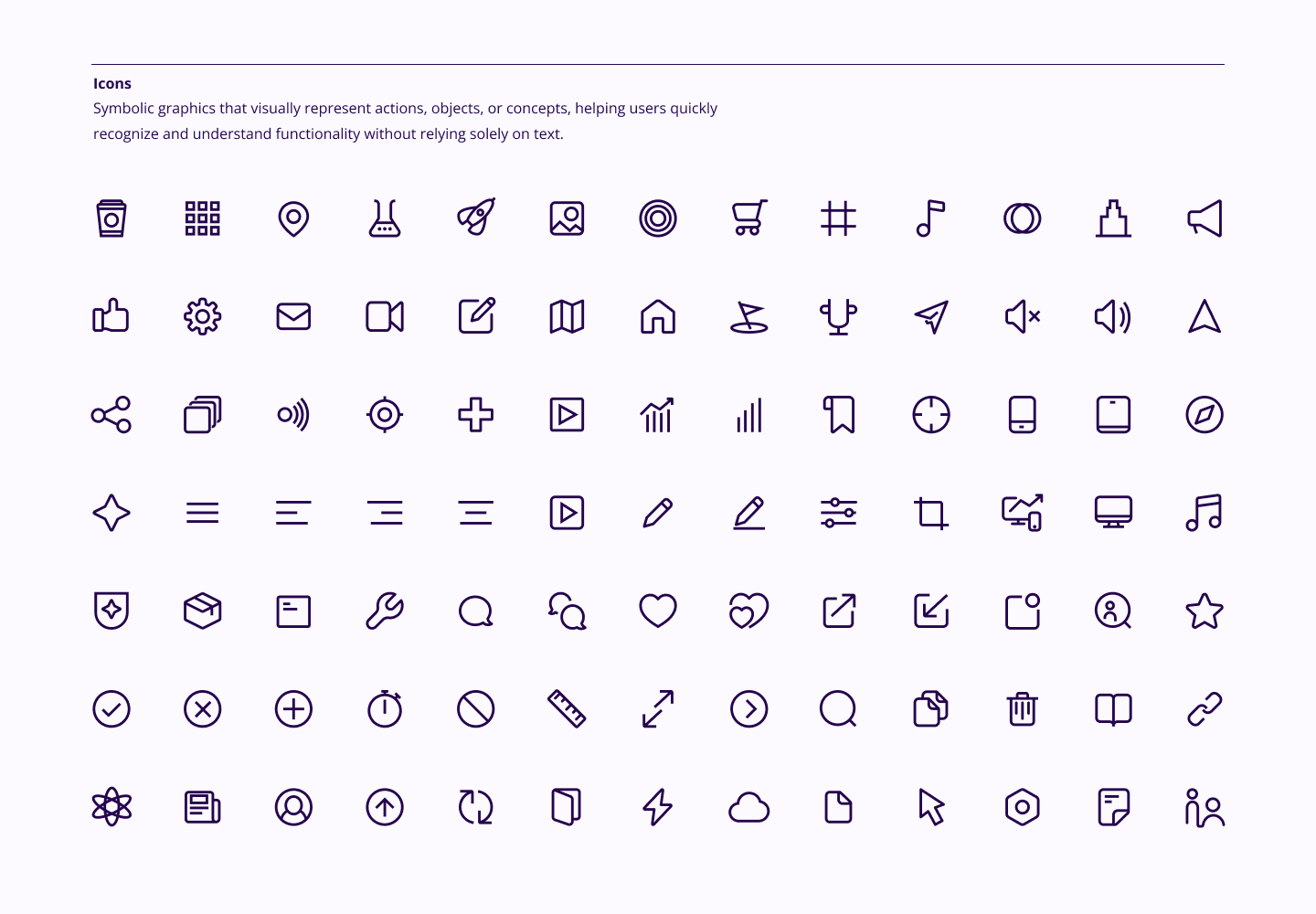
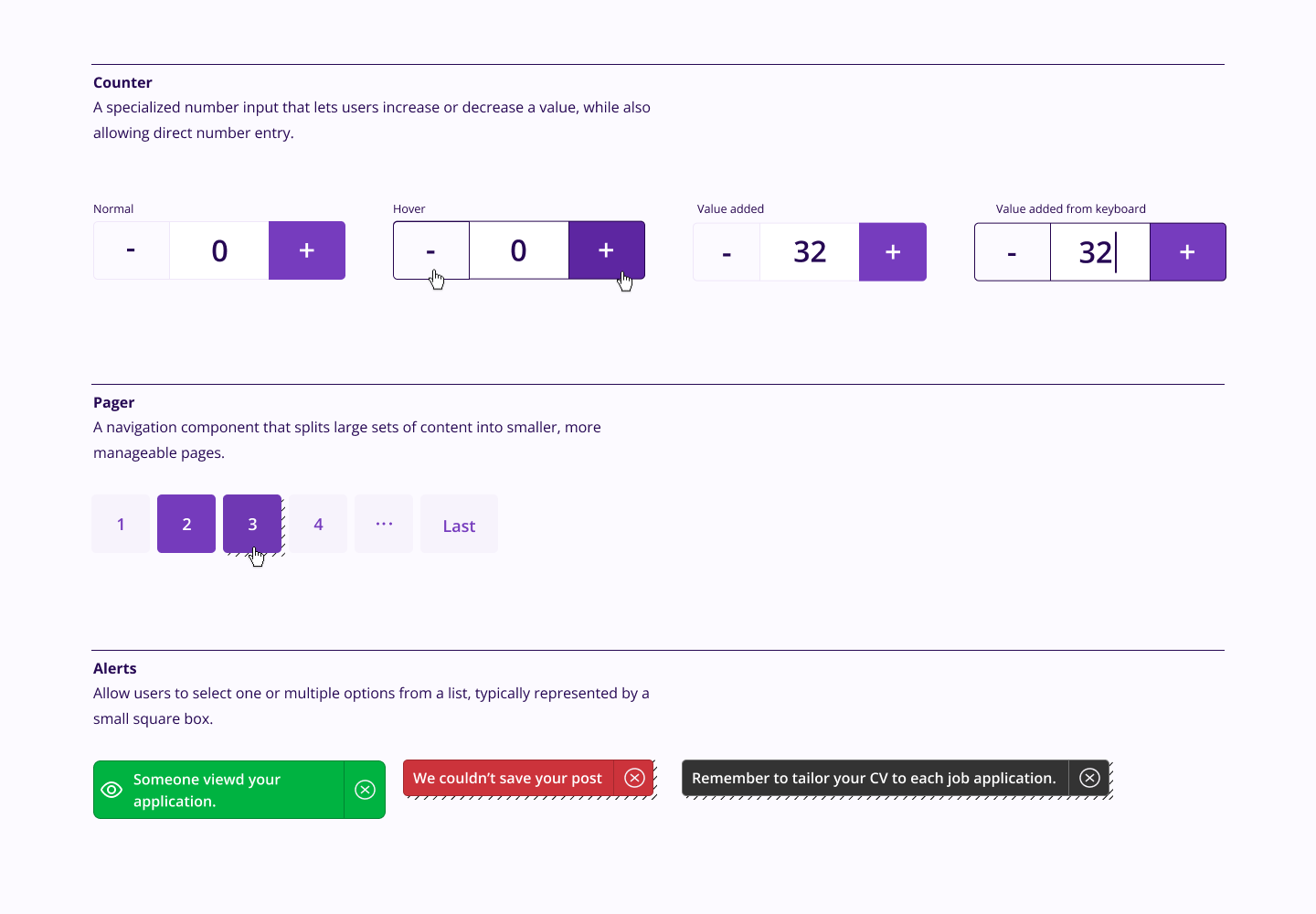
Following the atomic principle, we first defined the fundamentals: grid, colour palette, buttons, input fields, typeface, hierarchy, line widths, and illustrations. From there, we built out components like navigation, states (such as zero and loading), and patterns for layout and animation.
By breaking everything into smaller, manageable parts, we created a modular system that is easy to scale, adapt, and customise. Designer tokens were then handed to the front-end team, who translated them into their own component library; ensuring the visual language carried through consistently into the live product.
Build & refine
Validating by designing critical flows
A design system only proves its value when it meets real product problems. Rather than testing the system in isolation, we validated it by designing critical user flows with the new styling applied; the most demanding surfaces, where hierarchy, accessibility, and interaction patterns all needed to work together under pressure.
This approach meant refinements were grounded in real context, not just hypothetical edge cases. Each flow revealed where the system held and where it needed adjustment, feeding directly back into the component library.
How we improved our design library
The system was tested through new flows with guerrilla-style sessions at job fairs, gathering direct feedback from real users. Four lessons shaped how the library evolved: Contrast matters.
Accessibility is not optional; every state was tested and refined to meet standards, ensuring the platform works for users across all levels of visual ability.
Redundancy helps. Giving users two ways to perform the same action (a cancel button and a close button, for example) reduces friction and cognitive load, especially for infrequent users.
Clarity is key. eJobs users do not visit every day. Clear labels on every element mean that someone returning after weeks away can orient themselves immediately without relearning the interface.
Choice empowers users. Dark mode was introduced not as a trend but as an accessibility and comfort option; a recognition that different users have different needs at different times.